
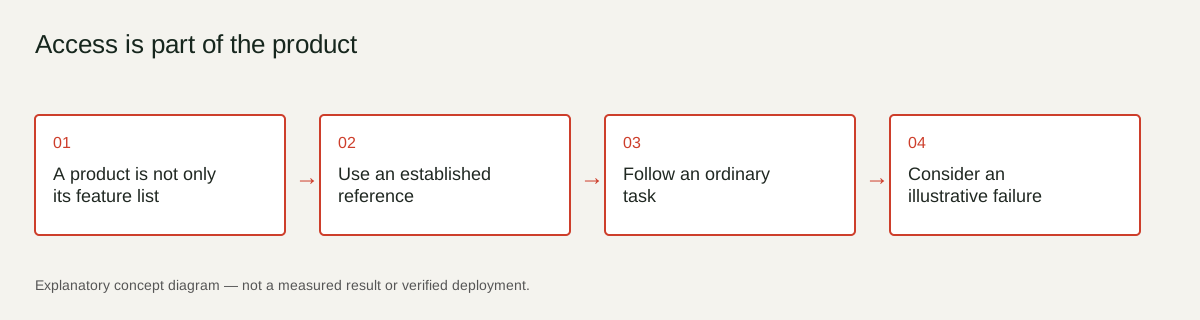
A product is not only its feature list
A tool can have an impressive feature set and still be difficult to use. Reading, navigating, understanding errors and completing a task are part of the experience. A thoughtful review considers those tasks rather than treating access as a decorative extra.
Use an established reference
The W3C Web Accessibility Initiative describes WCAG as a set of web accessibility guidelines. This gives reviewers a shared reference point for discussing requirements and testing. Merely citing WCAG does not establish that a product conforms to a level or that a reviewer has completed an audit. [I07]
Follow an ordinary task
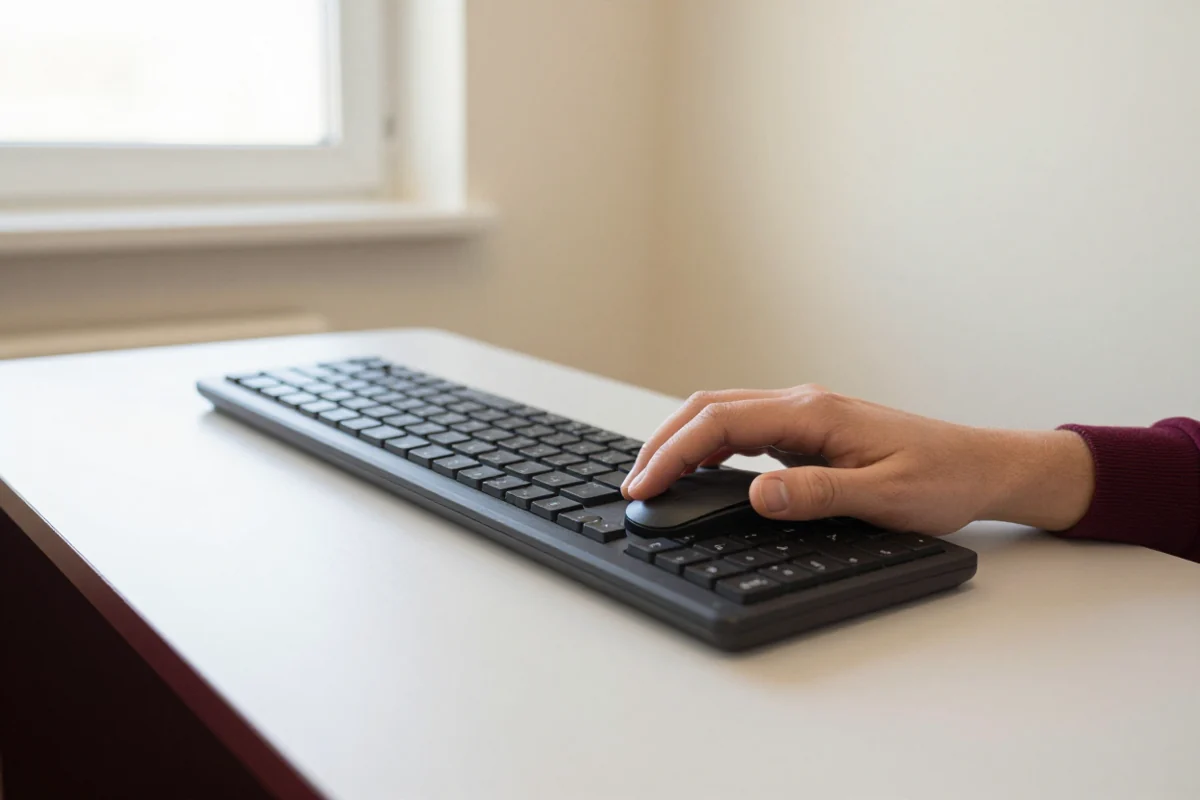
Take one real task, such as searching for a document or correcting a form entry. Can a keyboard user reach the controls? Are labels available? Is an error described with words rather than only colour? Record what was actually tested, including the device and context, instead of awarding a universal accessibility badge.
Consider an illustrative failure
Imagine a contact form that marks an invalid field with a red border but gives no explanation. A user may not know what to fix or where to go next. The problem concerns task completion, not simply visual taste. A review can explain that observed behaviour without claiming to know every user’s experience.
Keep the conclusion scoped
List the tasks and conditions examined, the issues observed and any areas not tested. Seek specialist review when necessary. Access can be discussed clearly and concretely without suggesting that a short product article replaces a full technical assessment.
Sources
- W3C WCAG overview — Accessibility criteria; a citation is not a conformance audit.
Sources and further reading
- W3C WCAG overview ↗
Accessibility criteria; a citation is not a conformance audit
Check the original document for its scope, date and current status.
Something needs a closer look?
Suggest a correction